
Turnover risk often becomes visible too late.
By the time a resignation reaches a leader’s desk, the real problem may have been building for weeks or months. A team can look stable while disengagement, manager-employee misalignment, values gaps, or hidden friction quietly weaken performance and commitment.
That is why turnover analytics tools need to do more than report what already happened. The best tools help leaders see where risk may be forming early enough to act.
In this guide, we compare OpenElevator with WorkStep, Nobscot, One Model, RetentionAI, and HRBench. The goal is to help leaders choose the right tool for earlier retention-risk visibility, stronger team alignment, and fewer surprise resignations.
Key Takeaways
| Key Point | What Leaders Should Know |
|---|---|
| OpenElevator is built for leadership visibility | It helps CEOs, founders, senior leaders, and managers detect retention risk, hidden disengagement, manager-employee fit issues, values misalignment, and team friction. |
| WorkStep is strongest for frontline teams | It fits organizations that need real-time feedback from hourly or shift-based workers. |
| Nobscot focuses on turnover analytics | It is strongest for exit interviews, onboarding surveys, and structured turnover analysis. |
| One Model and HRBench are broader analytics platforms | They are better suited for enterprise HR and people analytics teams with complex data systems. |
| RetentionAI is focused on predictive risk scoring | It may fit HR teams that want AI-driven turnover prediction inside existing HR workflows. |
Table of Contents
OpenElevator
At a Glance
OpenElevator helps CEOs, founders, senior leaders, and managers detect retention risk, hidden disengagement, manager-employee misalignment, values misalignment, and team friction before those issues become costly resignations.
The platform is built for leadership visibility. It is designed to show where team risk may be forming while employees still appear productive, engaged, and stable on the surface.
Core Features
OpenElevator uses a short stay survey and measurable outputs to surface:
-
Retention risk
-
Hidden disengagement
-
Manager-employee fit
-
Values alignment
-
Team friction
-
Interpersonal alignment
-
Hiring and role fit
The goal is to help leaders see where attention is needed before the problem becomes obvious.
Key Differentiator
OpenElevator focuses on the timing of visibility.
Many turnover tools analyze exit data, HR metrics, or broad workforce trends. OpenElevator helps leaders identify hidden people risk before resignation day, when there is still time to intervene.
The resignation is not the beginning of the problem. It is often the final signal.
Pros
-
Gives leaders earlier visibility into hidden retention risk
-
Focuses on manager-employee fit, values alignment, and team friction
-
Designed for CEOs, founders, senior leaders, and managers
-
Turns soft signals into clearer leadership priorities
-
Offers straightforward pricing at $150 per employee
Fit Considerations
OpenElevator is built for early leadership visibility into retention risk, hidden disengagement, manager-employee fit, values alignment, and team friction.
It is not meant to replace a full HRIS, payroll system, or enterprise workforce-planning suite. Larger organizations that need broad HR administration, compliance workflows, or complex system-of-record functionality may use OpenElevator alongside those platforms rather than instead of them.
Who It’s For
OpenElevator is best for leaders of growing teams who cannot afford to be surprised by preventable turnover.
It is especially useful when:
-
A few unexpected resignations would disrupt execution
-
Managers are relying on gut feel to assess team health
-
Employees appear productive while alignment may be weakening
-
Leaders need visibility into hidden disengagement or team friction
-
The company has outgrown informal ways of reading team stability
Unique Value Proposition
OpenElevator gives leaders a faster way to see where retention risk may already be forming.
Instead of waiting for exit interviews, lagging HR metrics, or generic engagement scores, leaders get clearer visibility into alignment, manager fit, and hidden friction while there is still time to act.
Real-World Use Case
A mid-sized product team appears stable. Employees attend meetings, close tickets, and meet deadlines. But velocity is slipping, and one key contributor resigns unexpectedly.
OpenElevator helps leadership identify declining manager-employee alignment and hidden friction earlier, giving managers a chance to address the issue before more institutional knowledge walks out the door.
Pricing
OpenElevator lists pricing at $150 per employee and offers a complimentary Key Team Stay Survey for up to 10 people.
Website: https://openelevator.com
WorkStep
At a Glance
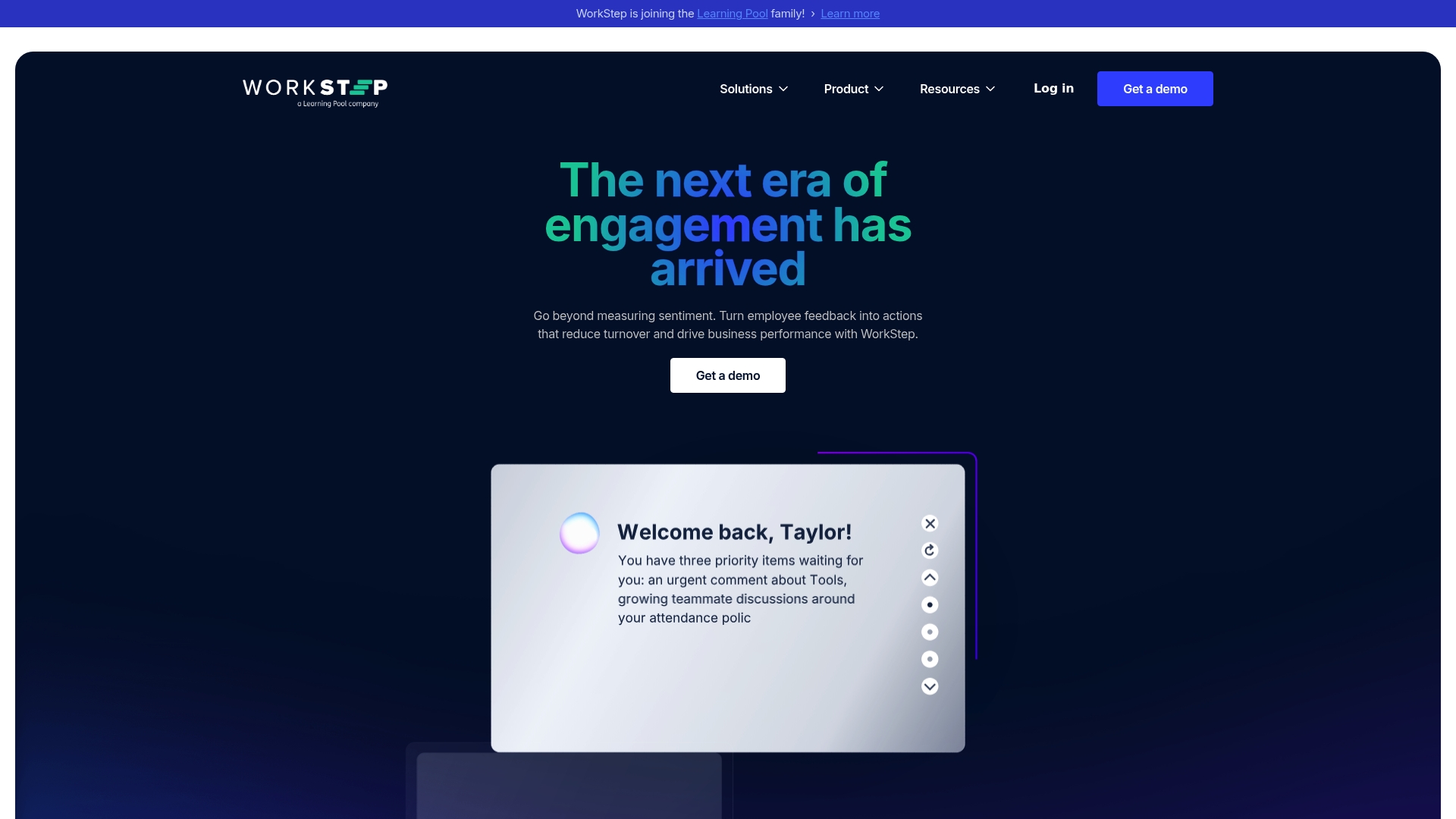
Real-time feedback across email, SMS, and shared devices is built into WorkStep’s core flow, which targets hourly frontline teams in manufacturing, logistics, retail, and healthcare.
The platform pairs surveys with automated suggestions so leaders can react faster to emerging workforce risk.
Core Features
WorkStep groups its capability into a short loop that mirrors manager workflows.
-
Listen — AI-powered feedback collection via email, SMS, or shared devices for wide-reaching pulse checks.
-
Analyze — Data tools and AI insights that surface workforce risk signals and sentiment patterns.
-
Act — Suggested interventions and impact tracking to close the loop once issues are identified.
-
Targeted communication and automated replies help scale follow-up without adding headcount.
Key Differentiator
WorkStep centres its AI on frontline operations rather than desk-based knowledge work.
That focus means the model and delivery modes are tuned for shift patterns, shared kiosks, and SMS-first communication, which is a narrower product angle compared with leadership visibility platforms that emphasize manager-employee alignment across all team types.
Pros
-
Fast, practical feedback collection that fits how hourly workers already communicate. Short surveys via SMS or shared devices reduce friction for shift-based staff.
-
AI-generated suggestions reduce the manual triage burden for HR and operations leaders, helping them prioritize which teams need attention now.
-
Sentiment-based segmentation lets you target communication to groups showing decline in engagement rather than broadcasting to everyone.
-
Industry fit for frontline sectors. The workflows and templates reflect realities of shift schedules, multiple sites, and distributed supervisors.
Cons
-
Pricing is not publicly specified. That lack of transparency makes rapid vendor comparison harder for budget discussions.
-
Integrations are not listed in the product data. If you run a complex tech stack, expect custom work to connect attendance, LMS, or HRIS systems.
-
Marketing positions the product for HR and operations leaders. Senior leaders seeking early warnings about manager fit or cross-team friction might need a complementary visibility tool.
-
Independent user reviews and long-term case studies are scarce in the available data, which limits peer benchmarking.
Who It’s For
WorkStep is aimed at HR and operations leaders who run large, dispersed frontline workforces and need faster feedback loops to reduce turnover and safety incidents.
Ask two quick leadership questions: Are you getting signals from your frontline before problems affect customers or production? When was the last time you could point to manager-employee misalignment before a resignation?
Real World Use Case
A regional distribution center runs weekly SMS pulses and uses sentiment segmentation to flag supervisors whose teams show rising disengagement.
Attendance and output can hold steady while commitment erodes. WorkStep helps spot that early by translating short survey trends into suggested manager actions and follow-up communications.
Pricing
WorkStep does not publish standard pricing in the available product information. Procurement conversations and demos are the typical path to a quote, which means you should budget time for discovery calls.
Website: https://workstep.com
Nobscot
At a Glance
The vendor advertises over 20 years of experience and an award-winning WebExit exit interview system, and marketing materials cite a case with a 21.56% turnover reduction in one year. That claim is vendor reported.
A common real leadership hazard: a unit shows stable headcount while early departures, low referrals, and quiet disengagement rise underneath. Looks stable but isn’t. That invisible attrition erodes institutional knowledge and slows delivery.
Core Features
Nobscot bundles exit interview automation with new hire surveys, mentoring workflows, a story sharing module, and turnover analytics. The product set includes WebExit for exit interviews, FirstDays for early onboarding surveys, and MentorScout to run mentoring programs.
Analytics deliver heat maps, trend reports, and risk views intended to show where attrition concentrates by job family, manager, or location. Reporting is oriented to organization level rollups rather than individual sentiment timelines.
Key Differentiator
Nobscot’s distinguishing angle is a science based, long track record focused specifically on exit technology and turnover analytics. That vertical focus is aimed at teams that want a specialist toolset rather than a general HR suite.
This focus produces templates and reports tailored to turnover drivers such as manager fit, role clarity, and early onboarding failures instead of generic engagement dashboards.
Pros
-
Specialized tooling for turnover: integrated exit interviews plus early new hire surveys let you connect reasons for leaving to onboarding gaps quickly.
-
Built for scale: the vendor positions the suite for large organizations and offers configurable programs and enterprise reporting.
-
Mentoring and storytelling modules surface retention levers beyond surveys, which can convert qualitative feedback into targeted development work.
-
The vendor cites measurable impact in case studies, providing a concrete result to reference when making a business case.
-
Award recognition gives procurement an external signal to justify evaluation time.
Cons
-
Limited recent public user reviews make it harder to evaluate current user satisfaction and implementation speed.
-
The interface may feel dated compared with modern SaaS experiences, increasing training time for frontline managers.
-
Integrations with core HR systems are not prominently documented, which can complicate data flows and create manual reconciliation work.
When It May Not Fit
If you need a modern, consumer grade interface across every user role, the product experience could slow adoption. If your team requires out of the box integrations with a specific HRIS, that gap will add project work and potential middleware costs.
Also, smaller teams that need lightweight pulse surveys rather than enterprise exit programs will find the suite heavyweight and comparatively costly.
Who It’s For
Large organizations where turnover carries measurable operational costs and procurement favors specialist vendors. HR leaders and executives who want science based exit analytics and custom program design will find the product relevant.
Two quick diagnostic leadership questions:
-
Are you losing people within the first 12 months more than across the rest of the organization?
-
Do you have managers whose teams repeatedly surface the same exit reasons but no consistent remediation process?
Real World Use Case
A regional healthcare provider used WebExit and FirstDays together to map early departures to unit level onboarding problems. By linking exit reasons to specific managers and roles, the provider targeted mentoring and reduced repeat turnover drivers over successive quarters.
Pricing
Pricing is not published. Nobscot typically sells via all inclusive subscriptions or modular programs with costs that vary by organization size and scope. Expect enterprise procurement and custom scoping for final commercial terms.
Website: https://nobscot.com
One Model
At a Glance
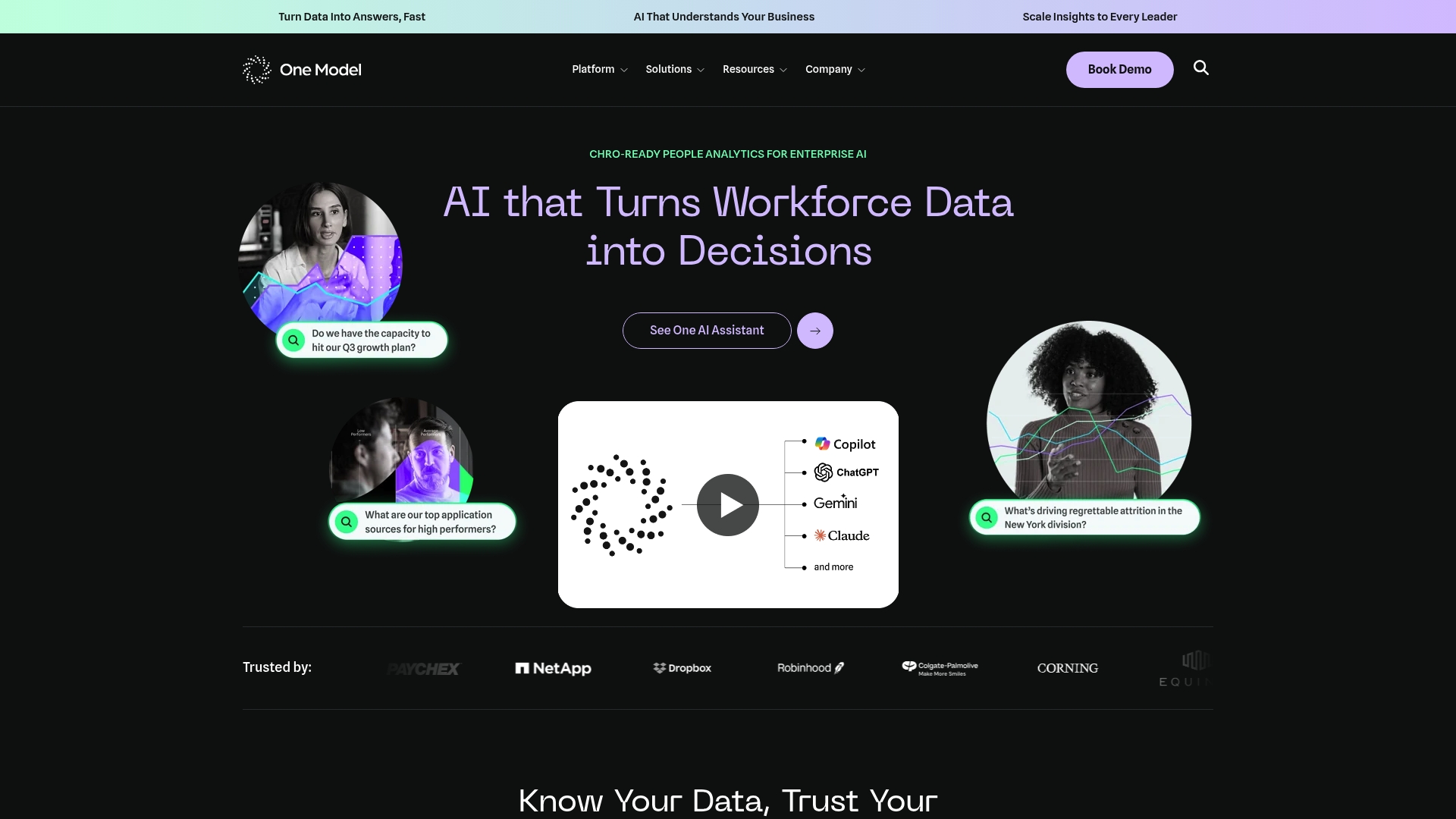
One Model advertises a unified Data Mesh for HR data plus an AI assistant that answers workforce questions in plain language. The vendor also states ISO certification for its security posture, which is emphasized for enterprise deployments.
Core Features
-
Data Mesh: unified architecture to bring HRIS, ATS, and engagement data into one model for consistent metrics.
-
Data Stories: interactive dashboards and narrative visualizations designed to explain trends to business leaders.
-
One AI and One AI Assistant: natural language querying and AI-powered workforce insights for workforce planning and forecasting.
-
Forecasting & Planning tools for scenario modeling and headcount projections.
Key Differentiator
One Model focuses on highly customizable, enterprise-grade data integration and AI-driven insight delivery tailored to People Analytics teams. That customization means the platform adapts to complex source systems and governance rules rather than forcing one-size-fits-all metrics.
This makes it suitable where trust in HR data and repeatable governance matter for strategic decisions.
Pros
-
Comprehensive integration and modelling capability reduces manual ETL work when you have multiple HR systems. This saves analytics hours and lowers spreadsheet risk.
-
Customizable dashboards and narrative visualizations improve leader buy-in by translating metrics into decision-ready stories rather than raw tables.
-
Strong emphasis on data governance and security aligns with enterprise procurement requirements and audit trails.
-
Built connectors to major HR systems like Workday and SuccessFactors shorten time to value compared with full custom pipelines.
Cons
-
Public, third-party user reviews are limited, so user sentiment is not well documented outside vendor materials.
-
The platform is designed for enterprise scale; small or mid-sized organizations without dedicated People Analytics resources will find it complex.
-
Pricing is not published and appears to be bespoke, which can complicate budget planning during vendor selection.
When It May Not Fit
If your company lacks a centralized HR data warehouse or a People Analytics lead, implementation will demand heavy data and analytics investment. Organizations seeking a plug-and-play retention dashboard for teams under 500 employees will probably find the platform more than they need.
Notable Integrations
-
Workday
-
SuccessFactors
-
Qualtrics
-
Greenhouse
-
Oracle/PeopleSoft
-
Others via API
These connectors reduce integration lift for common enterprise stacks and let you consolidate historic HR events faster.
Who It’s For
One Model is aimed at large HR and People Analytics teams that require governed, auditable HR data for strategic workforce planning. Ask these two diagnostic questions: Do you already have multiple HR systems you must unify for a single view of talent? Can your team support a configuration and governance project to maintain a single source of truth?
Looks stable but isn’t example: an organization with clean payroll reports but siloed ATS and engagement tools will see retention risk appear later because engagement signals live outside payroll.
Real World Use Case
A multinational consolidates payroll, ATS, and engagement data into One Model to run monthly attrition forecasts and test retention scenarios by role and location. Leadership uses those forecasts to prioritize retention investments where cost of loss is highest.
Pricing
Pricing is not publicly disclosed and is configured per customer, reflecting integration scope and governance needs. Expect enterprise contracting timelines and cost discussions to be part of procurement rather than a simple per-seat quote.
Website: https://onemodel.co
RetentionAI
At a Glance
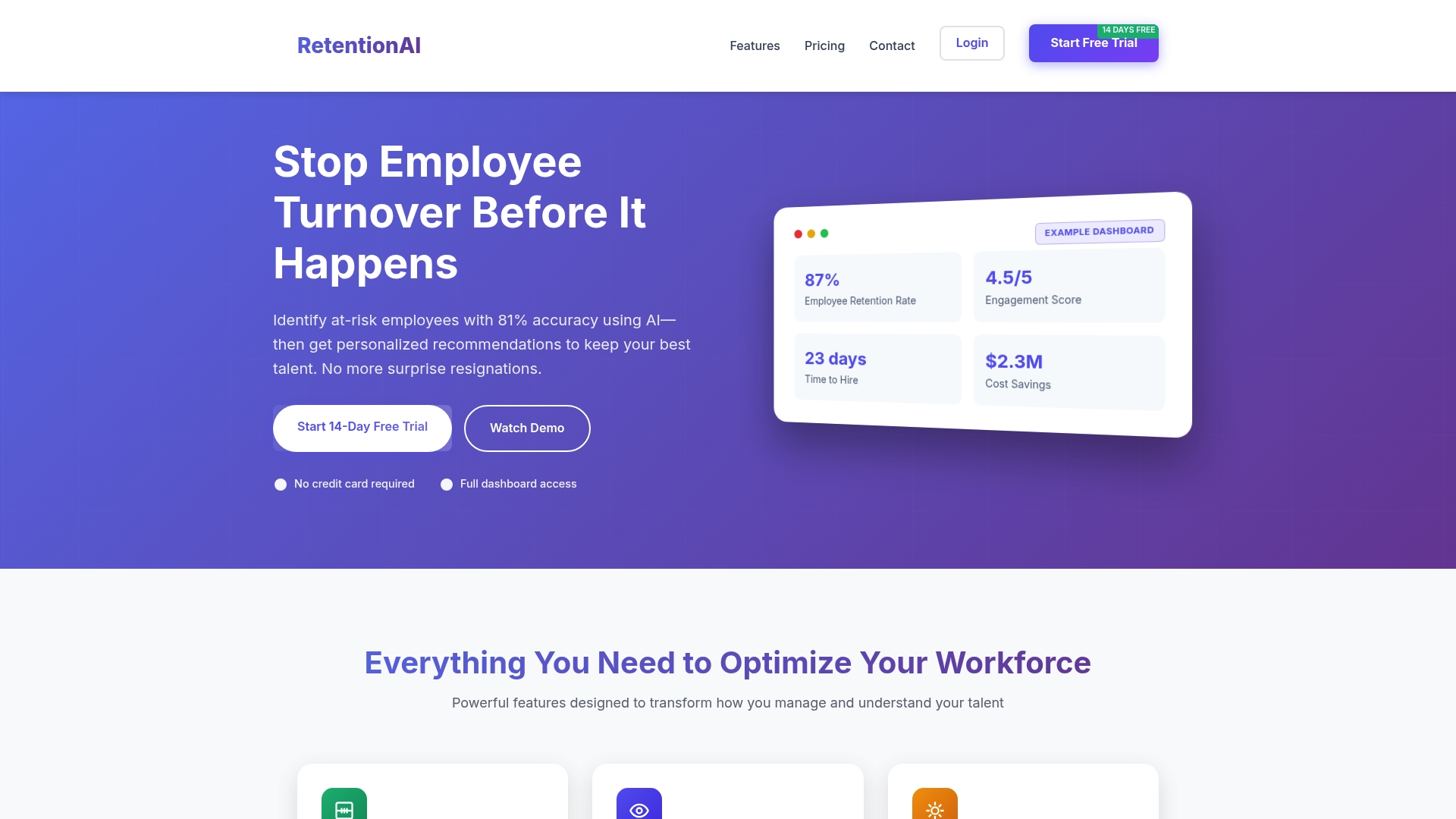
The vendor advertises 81% accuracy for its turnover risk predictions, a specific claim that shapes how teams triage interventions. RetentionAI pairs that forecasting focus with HRIS connectors and AI suggestions aimed at subscription-based buyers.
Core Features
RetentionAI bundles predictive models, visual analytics, and workflow alerts into a single retention tool.
-
AI-powered risk scoring that tags employees by risk level and risk drivers.
-
Interactive dashboards showing trends by department, tenure, and manager match.
-
HRIS integrations with BambooHR, Workday, and ADP for automated employee sync.
-
Automated Slack notifications and AI-generated intervention recommendations on paid plans.
Key Differentiator
RetentionAI emphasises ensemble machine learning tuned for turnover prediction and direct HRIS syncing to keep signals current. That architecture is meant to reduce manual tagging and to feed predictions into existing HR workflows rather than create a parallel process.
Pros
-
Powerful predictive analytics help talent teams focus limited retention effort where it could matter most.
-
Customizable plans let smaller teams start cheaply and scale as headcount grows.
-
Seamless HRIS connectors cut manual imports and keep risk scores up to date without spreadsheets.
-
Automated alerts and intervention suggestions speed a manager’s decision loop, which shortens the time between signal and action.
-
A free trial exists, which gives teams a lightweight way to test the interface before buying.
Cons
-
Independent user reviews are sparse, so wider user sentiment is hard to verify.
-
The free trial limits employee data size and features, which can prevent full evaluation of predictive performance.
-
Premium features such as HRIS sync and Slack alerts require paid plans, adding to total cost for operational use.
-
Optimal accuracy requires a history of employee data, so brand new companies will see weaker signals.
When It May Not Fit
If you lack three to six months of historical HR data, the model will have little context and predictions will be noisy. Smaller teams that expect full feature access on a free plan will find trial limits restricting. Organizations that want leadership-facing visibility rather than HR operational workflows should evaluate whether the product’s HR focus maps to executive decision needs.
Notable Integrations
RetentionAI lists native integrations with BambooHR, Workday, and ADP. Those connectors handle employee roster sync, hire and termination events, and basic role metadata to keep risk models current without manual CSV exports.
Who It’s For
RetentionAI targets HR leaders, talent managers, and HR teams that want AI-driven triage inside their existing HR tech stack. For CEOs and managers focused on early leadership visibility into team friction rather than HR operations, a leadership visibility platform may surface different signals.
Diagnostic questions for leaders:
-
Which specific teams have rising disengagement while headcount appears stable?
-
Which managers show clustering of risk that could indicate systemic friction rather than individual issues?
Looks stable but isn’t example: a product team that meets deadlines and posts on Slack but shows rising risk scores across three midlevel reports, signalling hidden disengagement before resignations appear.
Real World Use Case
A mid-sized customer used RetentionAI to identify at-risk employees and then ran targeted interventions, which the vendor reports cut annual turnover costs by about 15 percent. That case shows how predictive flags can direct limited retention budget to where it matters.
Pricing
Plans start at $99 per month for small teams, move to $299 per month for growing organizations, and include custom enterprise pricing for larger deployments. Premium features and full HRIS sync are gated behind paid tiers.
Website: https://employeeretentionai.com
HRBench
At a Glance
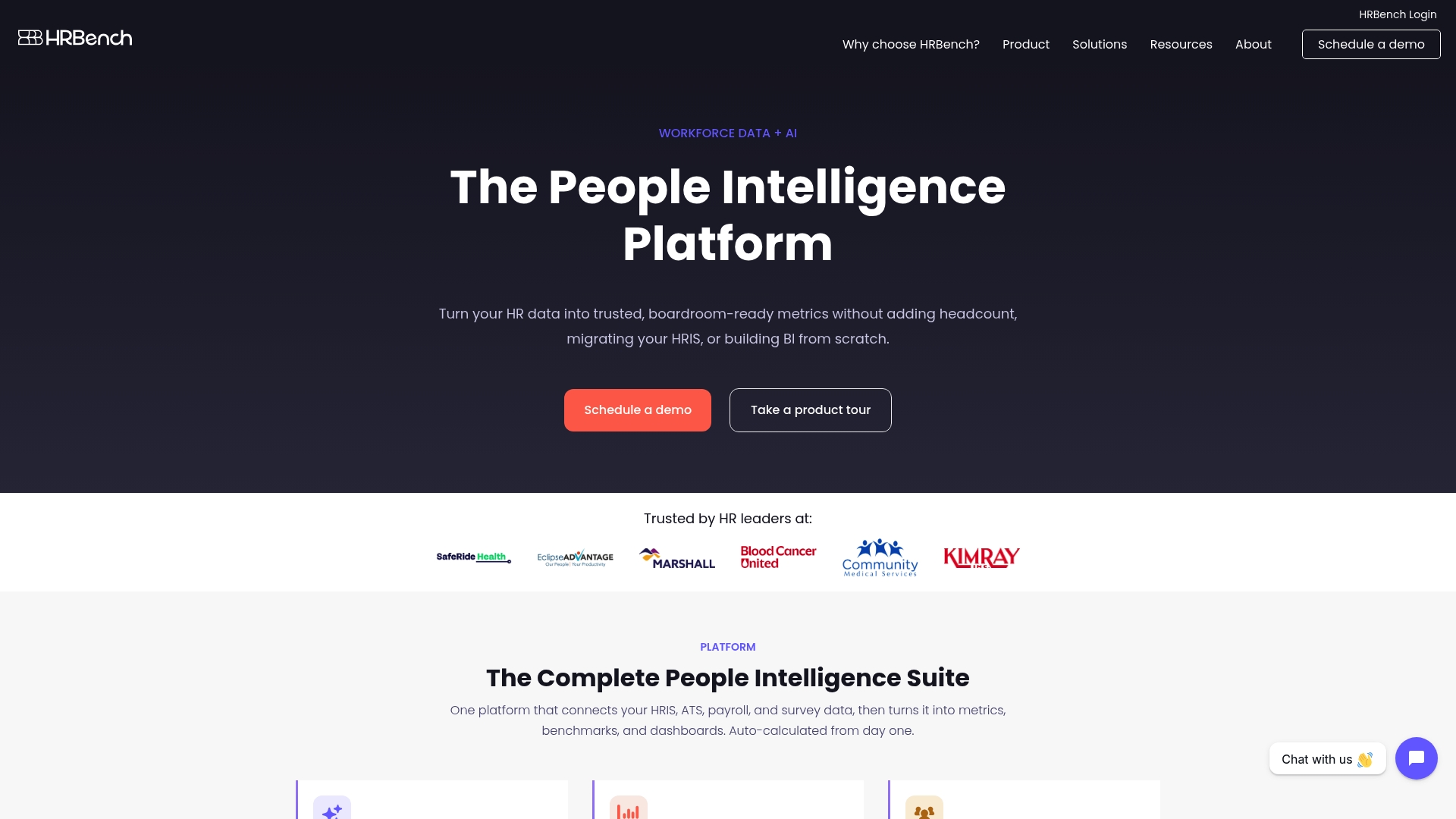
HRBench’s marketing materials advertise a library of 45+ auto-calculated workforce metrics, 25+ predictive HR metrics, and integration with 100+ HRIS, ATS, payroll, and finance systems — a claims-first pitch aimed at consolidating scattered workforce data into board-ready dashboards.
Core Features
HRBench centralizes workforce numbers with auto-calculated metrics, benchmarks by industry and region, org charts fed by real-time data, and scenario-based cost and headcount modeling. It also offers engagement surveys with AI summaries and suggested playbooks to close the loop between insight and action.
The platform includes an AI-powered chatbot for plain-English data queries and pre-built dashboards that remove much of the manual report building HR teams typically endure.
Key Differentiator
HRBench leans on a pre-built HR metrics library plus live ingestion and benchmarking, which shortens the runway to board-level reporting. That analytics-first posture suits HR teams and portfolio managers but stops short of purpose-built leader-facing signals such as manager-employee alignment or micro-team friction tracking.
Pros
-
Consolidates multi-system data so your exec reports are based on one canonical source rather than stitched exports. That reduces spreadsheet versioning during month-end reporting.
-
The forecasting and predictive layer gives scenario outputs tied to headcount and cost modeling, useful for budgeting and portfolio stress-testing.
-
Benchmarks let you compare churn, time-to-fill, and diversity metrics against peers, which helps justify compensation or hiring decisions in board conversations.
-
Ready-made dashboards and custom metrics speed up recurring reporting cycles, freeing HR analysts from manual ETL work.
-
Portfolio-level aggregation supports private equity teams that need roll-up views across multiple companies.
Cons
-
Onboarding requires connector work and data normalization; expect initial integration effort depending on your current HR tech stack.
-
Public user feedback and detailed operational limitations are limited, which makes vendor selection riskier if peer reviews guide your procurement.
-
The product focuses on HR analytics rather than leader-level relationship signals, so some executive questions about manager fit or hidden disengagement remain out of scope.
When It May Not Fit
If your priority is short-cycle, manager-to-employee pulse visibility rather than consolidated board metrics, HRBench may not deliver the early warning signals leaders need. Small companies without multiple HR systems may find the platform heavier than necessary, given the integration overhead.
Notable Integrations
-
Paylocity
-
iCIMS
-
QuickBooks Online
-
NetSuite
-
Sage Intacct
-
Lever
-
Greenhouse
-
Rippling
-
BambooHR
-
ADP
-
Workday
-
UKG
Who It’s For
HRBench targets HR teams, people analysts, and private equity portfolio HR leads who need automated, comparable workforce metrics for executive reporting and scenario planning. It is less aimed at frontline managers or CEOs who want rapid visibility into emerging retention risk.
Real World Use Case
A mid-sized healthcare system unified HRIS, ATS, payroll, and survey outputs into HRBench to produce live dashboards for retention, cost modeling, and board packs, cutting manual compilation time by weeks.
One 150-person clinic with steady headcount hid rising voluntary exits in one specialty team until dashboards surfaced turnover clustering.
Diagnostic questions for leaders:
-
Are you seeing steady output while discretionary engagement or manager trust is declining beneath the surface?
-
Do your executive reports show early signs of manager-employee misalignment before resignations occur?
Pricing
Pricing details are not published in the product data provided here; the vendor lists pricing as informationally not applicable. Expect enterprise or portfolio pricing models that vary by connectors, data volume, and scope of dashboards.
Website: https://hrbench.com
Turnover Analytics Tools Comparison
Each platform solves a different turnover visibility problem.
OpenElevator is the best fit when leaders need earlier visibility into retention risk, manager-employee misalignment, values gaps, hidden disengagement, and team friction. It is built for CEOs, founders, senior leaders, and managers who need to know where risk is forming before resignations happen.
WorkStep is best for organizations with large frontline or hourly workforces. Its strength is collecting feedback through channels like SMS, email, and shared devices.
Nobscot is strongest for organizations that want structured exit interviews, onboarding surveys, and turnover analytics supported by a specialist platform.
One Model is designed for large enterprise people analytics teams that need to unify HR data across systems and run workforce planning models.
RetentionAI is a better fit for HR teams that want predictive risk scoring, HRIS sync, and automated alerts inside existing HR workflows.
HRBench is strongest for HR teams and portfolio operators that need automated workforce metrics, benchmarks, and board-ready dashboards.
The key question is whether you need a broad HR analytics platform or a leadership visibility tool. If the priority is seeing hidden team risk before turnover becomes visible, OpenElevator is the most direct fit.
Turnover Analytics Tools Comparison Table
| Platform | Best For | Core Strength | Limitation |
|---|---|---|---|
| OpenElevator | CEOs, founders, senior leaders, and managers who need early visibility into team risk | Detects retention risk, hidden disengagement, manager-employee fit issues, values misalignment, and team friction | Not a full enterprise HR analytics suite |
| WorkStep | Frontline, hourly, and distributed workforces | Real-time feedback through SMS, email, and shared devices | Less focused on leadership-level manager-employee alignment |
| Nobscot | HR teams managing structured turnover programs | Exit interviews, onboarding surveys, mentoring tools, and turnover analytics | Can feel heavy for teams needing lightweight visibility |
| One Model | Enterprise people analytics teams | HR data integration, workforce planning, and governed analytics | Requires analytics resources and implementation lift |
| RetentionAI | HR teams using predictive turnover scoring | AI risk scoring, HRIS sync, and automated alerts | Depends on clean historical HR data |
| HRBench | HR teams and portfolio operators needing workforce dashboards | Pre-built HR metrics, benchmarks, and executive reporting | Broader HR analytics focus, not purpose-built for team friction detection |
See Hidden Turnover Risk Before It Becomes a Resignation
Teams can look stable while retention risk is already forming.
People may still attend meetings, complete work, and appear engaged while trust, manager fit, values alignment, or motivation is weakening underneath the surface. By the time turnover shows up in the numbers, leaders may already be late.
OpenElevator helps leaders see those signals earlier.
The complimentary Key Team Stay Survey gives CEOs, founders, senior leaders, and managers a clearer view of retention risk, hidden disengagement, manager-employee fit, values alignment, and team friction.
Start your Stay Survey and see what may be hidden below the surface.
Frequently Asked Questions
Is OpenElevator better than Workday for turnover?
OpenElevator and Workday solve different problems. Workday is a broad enterprise HR platform. OpenElevator is focused on leadership visibility into retention risk, hidden disengagement, manager-employee fit, values alignment, and team friction before turnover happens.
What is OpenElevator best used for?
OpenElevator is best used to help leaders detect where retention risk may be forming inside a team. It helps CEOs, founders, senior leaders, and managers see hidden disengagement, manager misalignment, and team friction earlier.
How is OpenElevator different from turnover analytics software?
Many turnover analytics tools focus on workforce data, exit interviews, dashboards, or predictive models. OpenElevator focuses on team-level leadership visibility, helping leaders see relationship and alignment risks before they become resignations.
Which turnover analytics tool is best for frontline teams?
WorkStep may be the better fit for frontline, hourly, or shift-based teams because it collects feedback through SMS, email, and shared devices. OpenElevator is better suited for leaders who need visibility into manager fit, team alignment, and hidden friction.
Which tool is best for enterprise people analytics?
One Model and HRBench are stronger fits for enterprise people analytics teams that need governed data, workforce dashboards, integrations, and board-level reporting.
Why does early turnover visibility matter?
The cost of turnover usually starts before the resignation. A team member may still appear productive while motivation, trust, or alignment is declining. Earlier visibility gives leaders a chance to act before the issue becomes more expensive.